Editing HTML
After creating your account, open your site files by clicking "edit site".
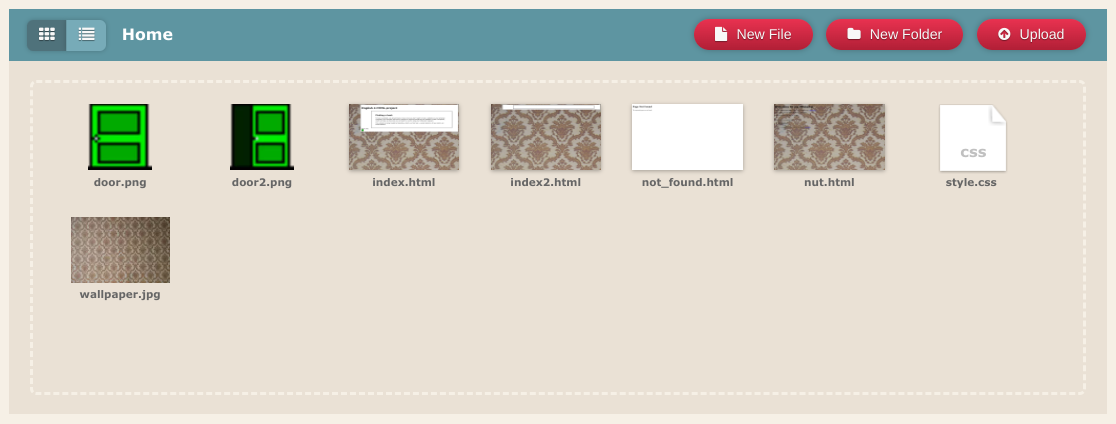
In new tabs, open both "index.html" and "style.css". The default website is a good template for a personal blog. To edit the text, delete any text that is white and replace it with your own.
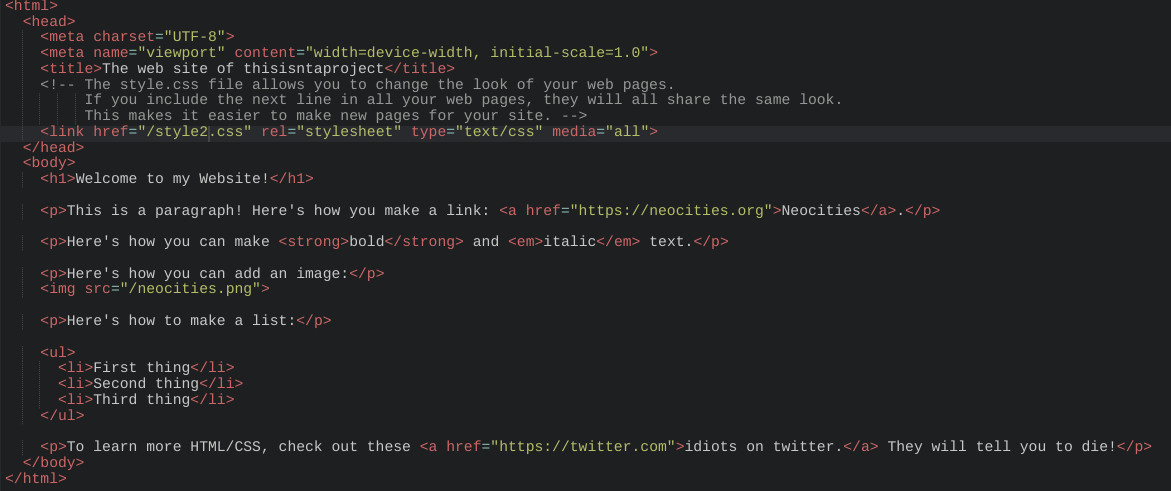
Red text are tags, which tell the website what to do with a given prompt. Yellow is files, classes and IDs which you link to display on your site. Grey text are notes and don't effect your website.